Init Remix using Deno2
#Remix#Deno2#Typescript#React


มาลองสร้าง Remix โปรเจค โดยใช้ Deno2 กัน หลายคนน่าจะเห็นแล้วว่า Deno2 พึ่งจะเปิดตัวไป ใครยังไม่ได้ดู ไปตำได้ ตรงนี้ พอดีผมก็มีโปรเจคที่กำลังเริ่มทำอยู่พอดี ก็เลยถือโอกาสลองซะเลย
สร้างโปรเจค Remix
เราจะสร้าง Remix project ด้วยคำสั่ง
deno run -A npm:create-remix@latestแล้วก็เลือกตอบคำถามตาม flow ไป
แต่พอเจอคำถามว่า Install dependencies with npm?{:sh} ให้ตอบว่า No{:rust} ไปเพราะว่าเดี๋ยวเราจะติดตั้งด้วย Deno แทน
 remix   v2.13.1 💿 Let's build a better website...
   dir   Where should we create your new project?         ./my-remix-app
      ◼  Using basic template See https://remix.run/guides/templates for more      ✔  Template copied
   git   Initialize a new git repository?         Yes
  deps   Install dependencies with npm?         No      ◼  Skipping install step. Remember to install dependencies after setup with npm install.
      ✔  Git initialized
  done   That's it!
         Enter your project directory using cd ./my-remix-app         Check out README.md for development and deploy instructions.
         Join the community at https://rmx.as/discord
จากนั้นให้ลองสั่ง
deno installFix Deno install error
จะได้ error แบบนี้
❯ deno installWarning The following packages are deprecated:┠─ npm:eslint@8.57.1 (This version is no longer supported. Please see https://eslint.org/version-support for other options.)┠─ npm:@humanwhocodes/config-array@0.13.0 (Use @eslint/config-array instead)┠─ npm:@humanwhocodes/object-schema@2.0.3 (Use @eslint/object-schema instead)┠─ npm:rimraf@3.0.2 (Rimraf versions prior to v4 are no longer supported)┠─ npm:glob@7.2.3 (Glob versions prior to v9 are no longer supported)┖─ npm:inflight@1.0.6 (This module is not supported, and leaks memory. Do not use it. Check out lru-cache if you want a good and tested way to coalesce async requests by a key value, which is much more comprehensive and powerful.)Warning The following packages contained npm lifecycle scripts (preinstall/install/postinstall) that were not executed:┠─ npm:esbuild@0.17.6┃┠─ This may cause the packages to not work correctly.┖─ To run lifecycle scripts, use the `--allow-scripts` flag with `deno install`: deno install --allow-scripts=npm:esbuild@0.17.6แต่เค้าก็บอกด้วยว่าจะต้องใช้คำสั่งอะไร ก็จัดไปตามนั้น
deno install --allow-scripts=npm:esbuild@0.17.6ก็จะเห็นว่ามี folder node_modules เพิ่มเข้ามา
แล้วก็มี file deno.lock เพิ่มเข้ามาด้วย
.├── app├── deno.lock├── node_modules├── package.json├── postcss.config.js├── public├── README.md├── tailwind.config.ts├── tsconfig.json└── vite.config.tsลอง run dev ดูซิ
ทดลองรันดูหน่อยซิ
deno run dev❯ deno run devTask dev remix vite:dev ➜ Local: http://localhost:5173/ ➜ Network: use --host to expose ➜ press h + enter to show helpลองเปิด broswer ไปที่ http://localhost:5173/
ก็จะได้หน้าตาแบบนี้
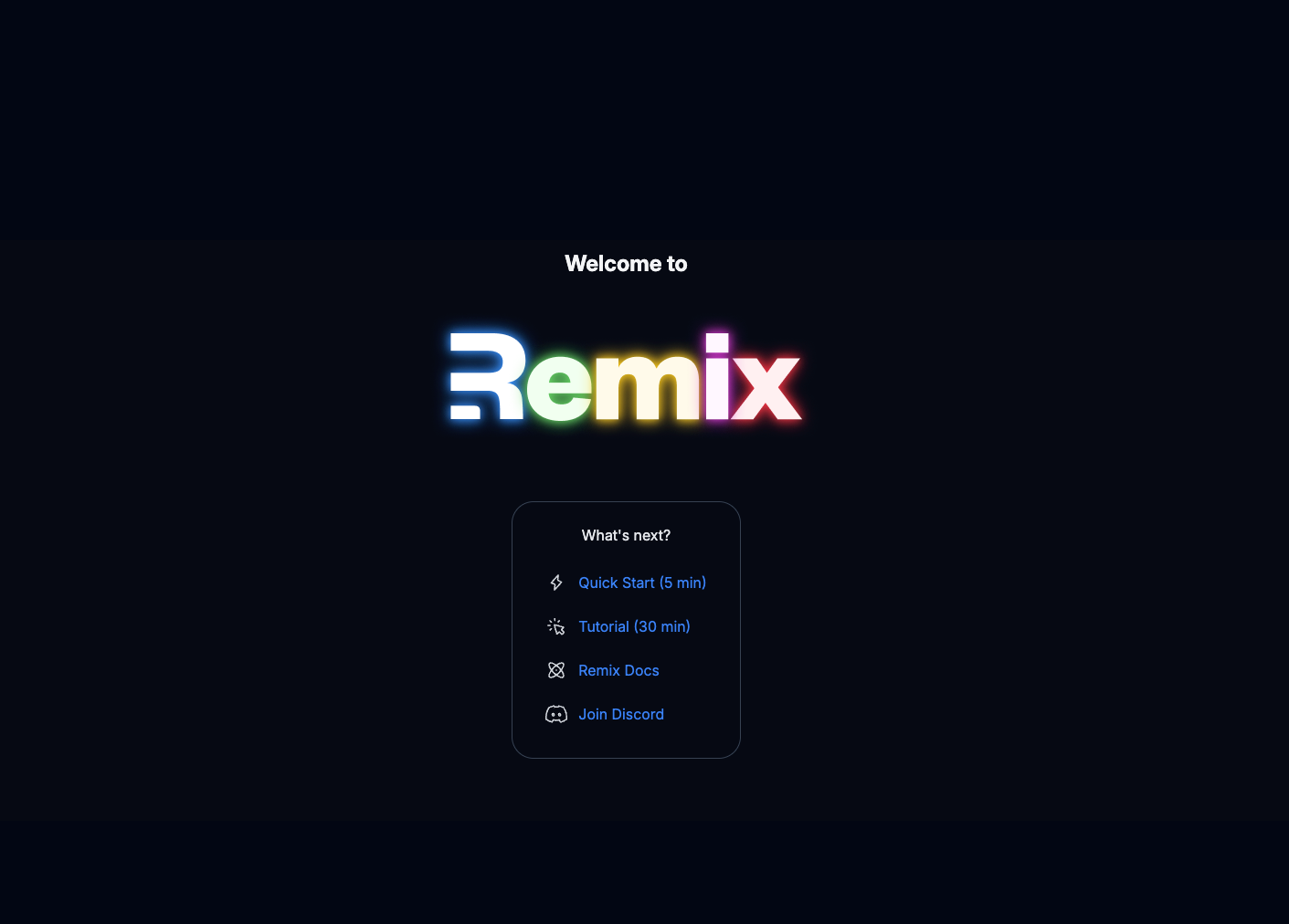
จะเห็นว่าไม่ได้ยากเลย
แทบไม่ต่างจากตอนที่ใช้ Node เลย